Each INFINITYS user has their own user profile consisting of:
- First and last name;
- E-mail address;
The user's first and last name are used to register media uploads in the system.

The e-mail address is used only to create and change the password.
Through the profile settings, the user can:
- Change the password;
- Modify his preferences for displaying dates and times in the system;
- View his own login history;
- Change his own profile picture.
The Login History allows...
On this page, you can find:
- Logout and login How to log out or log in
- User Profile Page How to access the user settings page
- Change the password How to change your profile password
- Modify preferences Choose how to display dates and times
- Change profile picture Set or update your profile picture
¶ Logout and login
At any time, you can log out of your INFINITYS account using the user icon located at the top right.
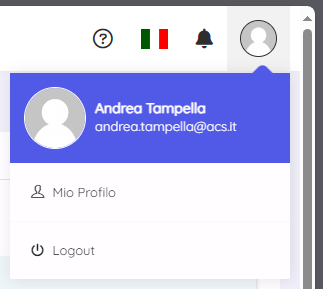
Clicking on Logout will disconnect you from the platform.
By filling out the login form accessible via this link, you can log back into the system: https://cockpit.infinitys.it/
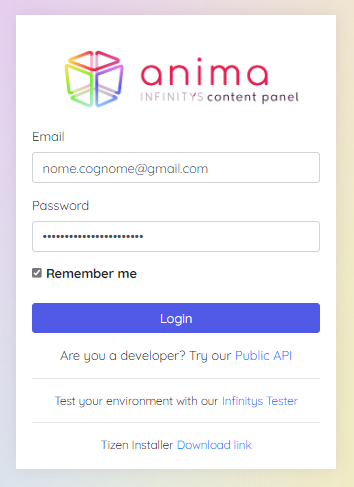
If you do not have a valid account, please contact the INFINITYS support team.
On the first login, and only on the first login, the system will request authorization for...
[img list of required authorizations on first login]
If the login process is successful, the Display page of the control panel will appear.
For convenience, we recommend saving the page to your browser favorites, by clicking the star icon in your browser.
¶ User Profile Page
You can access the User Profile page via the user icon located at the top right.
By selecting the My Profile option.
¶ Change the password
On your profile page, you can change your personal password using the password change form.
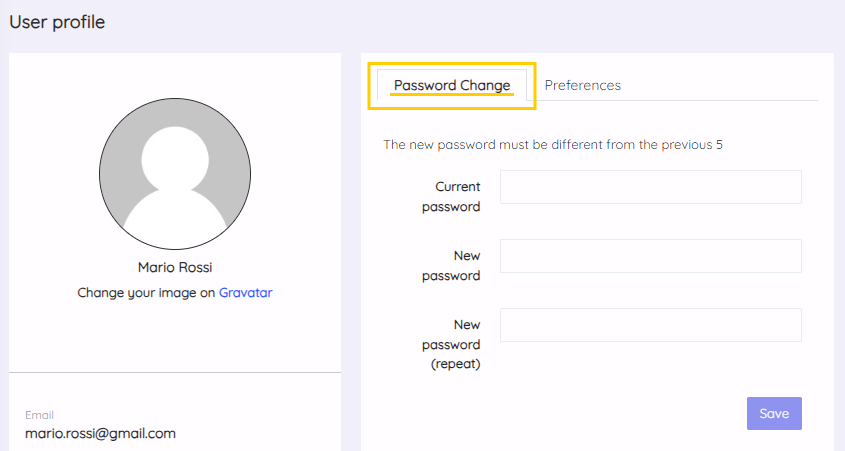
The system requires a password with the following characteristics:
- ...
- ...
Additionally, the new password must be different from the last 5 used.
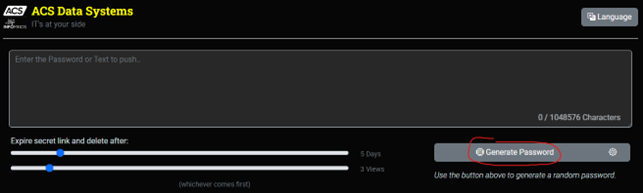
With ACS's MySecret, you can generate secure passwords: https://mysecret.acsgroup.it/
¶ Modify preferences
Through the Preferences tab on the ANIMA User Profile page, you can set:
- Your preferred time zone;
- Preferred time format;
- Preferred date format;
- Preferred first day of the week.
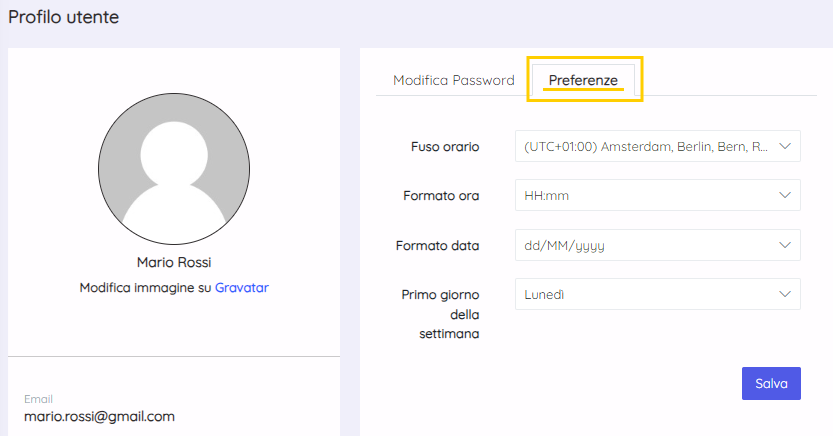
Select your preferred option from the dropdown menus.
These settings will be applied across the entire platform.
¶ Change profile picture
A profile picture is not required to use the platform.
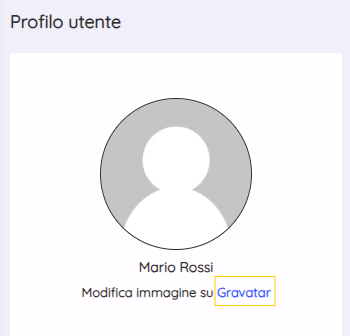
For profile pictures, ANIMA connects to Gravatar.
To set or update your profile picture, select "Gravatar" within the ANIMA User Profile page to access the Gravatar platform.
I forgot my password. I can't log in. What should I do?
If you have forgotten your password, contact INFINITYS support. They will reset your password, allowing you to create a new one.